An emailed order deserves more than manual re-entry.
Reading a document is only part of preparing an order. Item references, discrepancies and corrections need a place in a workflow designed for the team.
Keep the document, the proposal and the questions to resolve in one workflow.
One order arrives by email, another as a PDF. Someone opens the documents, identifies the customer, checks the items and re-enters the lines in the management system. The work takes attention even when the request looks straightforward.
AI can help prepare that work. To make the assistance useful, we focus on what the person needs to see, verify and correct before proceeding. The challenge extends beyond reading a document to the entire order intake process.
Keep the document close to the decision.
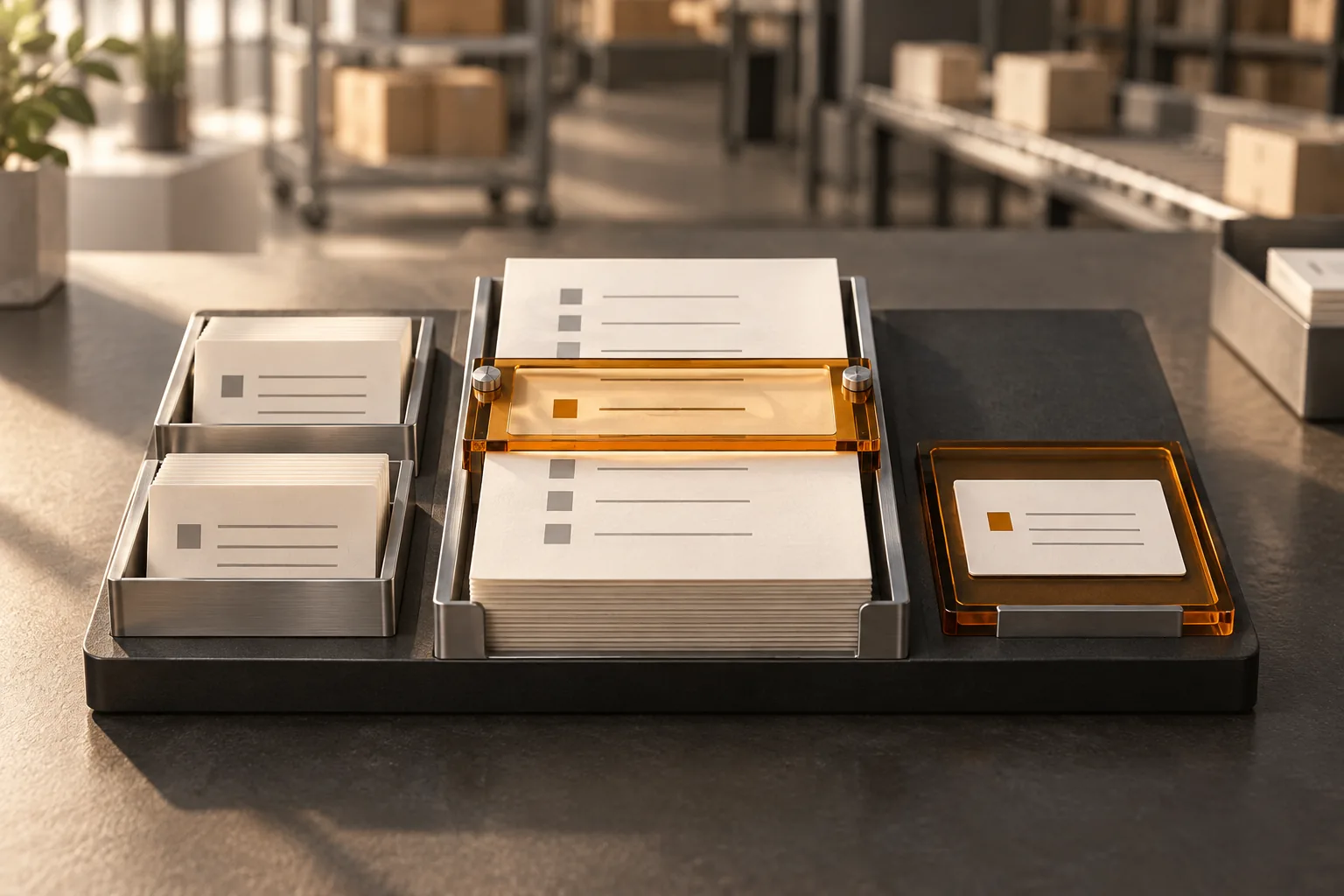
In the workflow we designed, the original document remains available alongside the extracted information. The person can return to the request when a quantity looks unusual or an item reference needs interpretation. They do not have to reconstruct the case by constantly moving between tools.
The examples processed include emails, PDFs and some handwritten documents. That does not make every document equivalent or its interpretation infallible. An annotation, a poor scan or an unusual layout needs to be open to review. The document stays with the proposal rather than disappearing behind it.
Reading a reference and finding the right item are separate tasks.
A code can be read correctly without mapping directly to an item in your ERP. The customer may use their own reference, an older description or a different unit. What the document says must be reconciled with what the system knows, using your business rules.
The interface flags issues such as a reference that cannot be found in the system. The team sees a question to resolve rather than a line presented as complete. Proposed matches need verification: an item that resembles the requested product is not enough to justify selecting it.
Design a workspace, not just an extraction result.
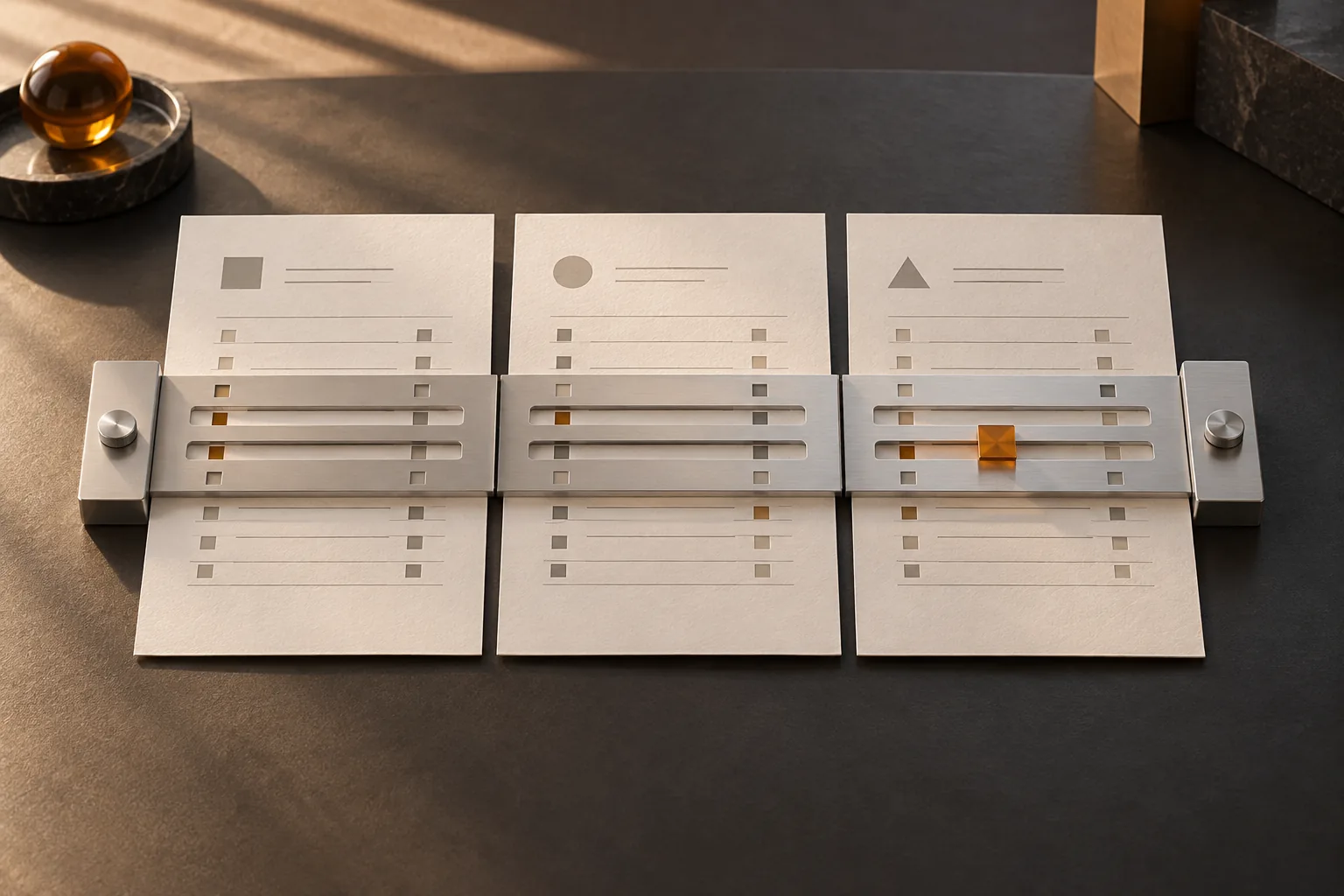
People processing orders need to move between documents, identify what requires attention and understand what a correction changes. That is why the source document, proposed data and matching issues have visible places in the same workflow.
This organization changes the design conversation. Where does the person look for evidence? Can they distinguish extracted data from confirmed information? Can they see what remains to be done? An impressive presentation must also support the repetition and exceptions of everyday work.
“We designed it for someone who actually operates it.” — Philippe Beaulieu (translated from French)
Preparation the team can review
01Document receivedKeep the original request available for reference.
02Proposal preparedShow the lines, proposed matches and questions to resolve.
03Team reviewCorrect or confirm under the agreed rules before the next authorized step.
Finishing document extraction does not mean an order has been created in the ERP.
Give every exception a clear next step.
A missing reference, an ambiguous quantity and a commercial condition needing confirmation require different interventions. Each issue needs an owner and the information that will let them decide. An alert with no responsible person simply leaves work waiting.
Depending on your process, that person may correct a match, consult account terms or ask the customer for clarification. The workflow should preserve the request and the accepted corrections. These cases also provide material for reviewing rules with the team, without assuming a correction automatically produces reliable model learning.
Distinguish what is ready from what is recorded.
Preparing an order, approving it and recording it in the ERP are different steps. The displayed status should say which one has taken place. Access permissions, submission conditions and the expected confirmation need to be defined with the people responsible for the process.
An interruption or a document received again also needs a planned response. How do we know an order already exists? What can be retried without creating a duplicate? Boutik can provide a foundation between the systems and tools involved; possible exchanges depend on the interfaces and agreed scope.
Evaluate the whole workflow with representative cases.
An initial trial benefits from both routine orders and more difficult documents. The team can compare the proposal with the expected result, identify the corrections needed and assess whether the steps from extraction through review to recording are clear.
We would examine the time spent on the complete case, matching errors, recovery work and the quality of the exceptions flagged. A recognition figure alone does not describe that work. The right scope starts with your documents and constraints, before deciding how much to automate.
Bring these to a discussion about order intake
✓ Representative requests, including documents that require correction.
✓ The item references and units your customers actually use.
✓ The rules and people authorizing the next processing step.
✓ The expected ERP confirmation and the response to duplicate requests.
✓ An agreed way to assess preparation and review work.